Your Shop's Online Store: The Complete Guide to Selling Online in 2026

How to turn your shop into an online store that sells every day: choosing the right format, preparing products, bringing in customers, taking orders and measuring results. A practical guide for any business.
Share


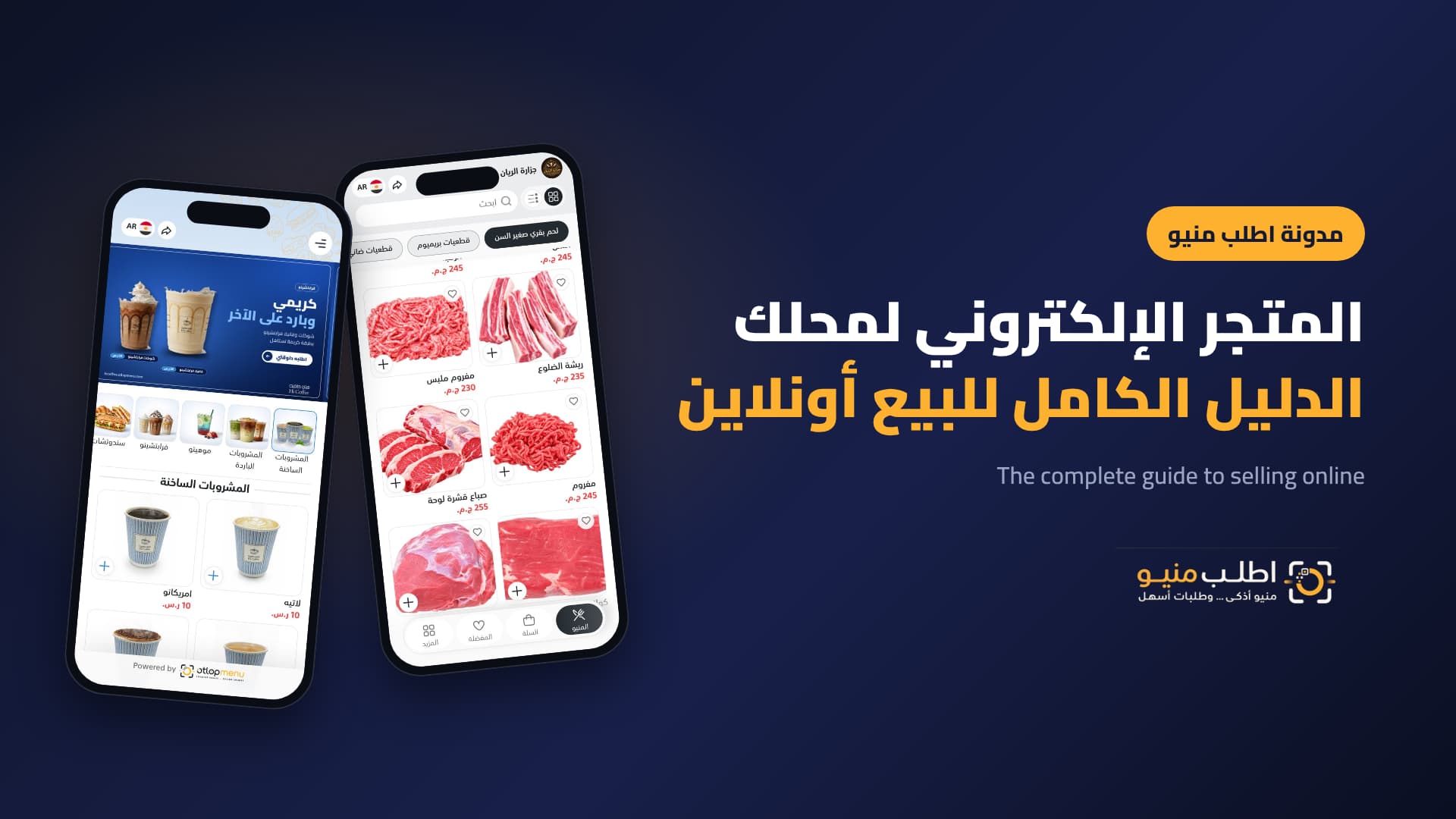
Your customers start their buying journey on their phone before they ever reach your door: they search, compare prices and ask on WhatsApp. A shop with a clear online store wins that customer in minutes; a shop that sends scattered photos and answers "how much?" loses them to whoever got there first.
This guide treats your online store as a sales and marketing channel, not just a display page: how to choose its format, prepare products that sell, bring in customers, turn visits into orders, and turn orders into returning customers.
Why every shop needs an online store now
- Customers decide before they reach out: the earlier they see the product, price and photo, the shorter the path from interest to order.
- WhatsApp and social media alone aren't enough: chats get lost, photos go stale and prices change. A store keeps everything in one up-to-date link.
- A channel you own: unlike marketplaces, customer data and orders stay with you, so you can reach customers again with tailored offers.
- Sell while you're closed: customers browse and choose any time, and orders reach you during the hours you set.
Menu, catalogue or store? Choose the format that fits your business
FormatBest forWhat it does Digital menuRestaurants, cafés, bakeries and dessert shopsItems with sizes and add-ons, ordering from the table, delivery or pickupDigital catalogueFashion, accessories, perfume, electronics and giftsProducts with multiple photos, colours and sizes, with orders arriving on WhatsAppFull ordering storeButchers, supermarkets, grocers and any business that deliversCart and total, delivery zones and fees, and an order dashboardYou don't need a final decision on day one. Start by showing products, then turn on WhatsApp orders, then move to an order dashboard, branches and drivers as you grow, all on the same link.
Prepare products that sell
An online store is a shop window, and a window sells as well as it is arranged. Before uploading anything, get four things right:
- Categories: few and clear, starting with best sellers. Customers lost among dozens of categories close the page.
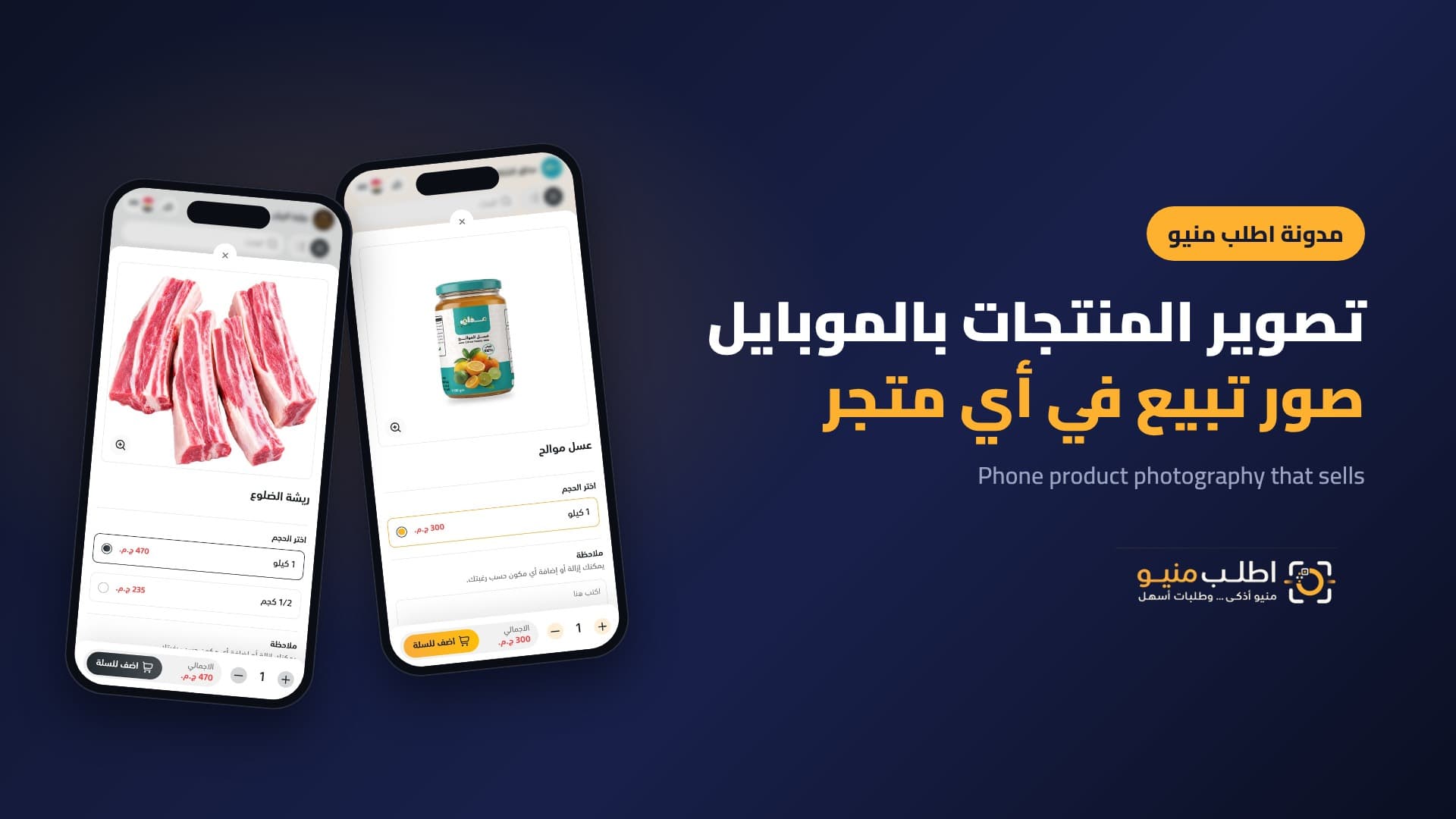
- Photos: real photos in natural light on a consistent background. A real photo builds more trust than a polished stock image.
- Descriptions: two lines that answer the customer's question: what is this, and why is it right for me? Mention the material, ingredients, size or use.
- Options and prices: sizes, weights, colours and add-ons with their prices. The more customers choose for themselves, the fewer questions you get and the higher the average order.
Where do customers come from?
A store without visits doesn't sell. Put your link at every point where customers meet your business:
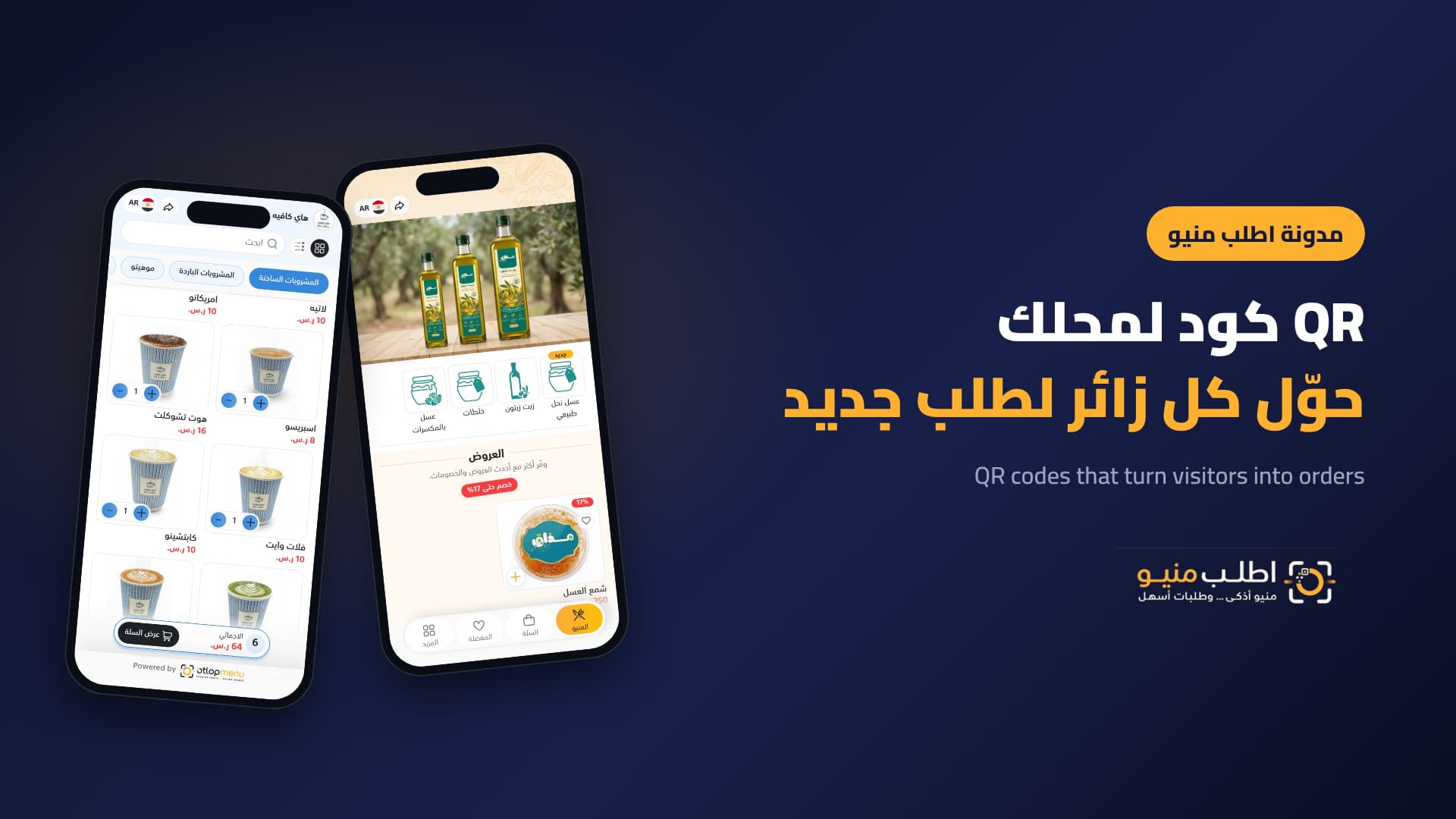
- In store: a QR code on the counter, window and tables, and on delivery bags so customers order directly next time.
- Social media: in your Instagram and TikTok bios, your Facebook page button, and on every product post.
- WhatsApp Business: an automatic greeting with your store link and ready quick replies.
- Google Maps: your store link on your business profile turns "near me" searches into orders.
- Existing customers: a simple message to regulars that ordering is now easier from the link.
Turn visits into orders
Conversion rate is the difference between a store that gets visited and a store that sells. What raises it most:
- A clear price on every product and a running total while customers choose.
- Offers at the top with before-and-after prices, and badges such as "best seller" and "new".
- Few ordering steps: choose, review the cart, add notes, confirm.
- Information that removes hesitation: preparation time, delivery fees by area, contact options and opening hours.
From first order to loyal customer
Winning a new customer costs far more than bringing back an existing one, so make your store a retention tool too:
- Know your customers: who ordered, when and how often.
- Reward regulars with tailored offers instead of a blanket discount for everyone.
- Track each customer's last order and win back those who drift away with a targeted offer.
Measure results every week
You don't need complex reports. Track five numbers: visits, orders, average order value, best sellers and the share of returning customers. If visits rise but orders don't, the problem is how products are presented or the ordering steps, not your marketing.
Examples of stores working this way
- A butcher: products by weight and cut, like the Al Rayyan Butchery store.
- Natural products: honey and oils in sizes with clear discounts, like the Mazaq Elshakreen store.
- A café: drinks by size with quick ordering, like the Hi Coffee menu.
Frequently asked questions
Do I need a developer to build an online store for my shop?
No. You add categories, products, prices and photos yourself from a simple dashboard and edit them any time.
Does an online store make sense for a small shop?
Yes. It suits small shops best, giving them a professional storefront for a fixed subscription instead of an expensive custom website.
How do orders reach me?
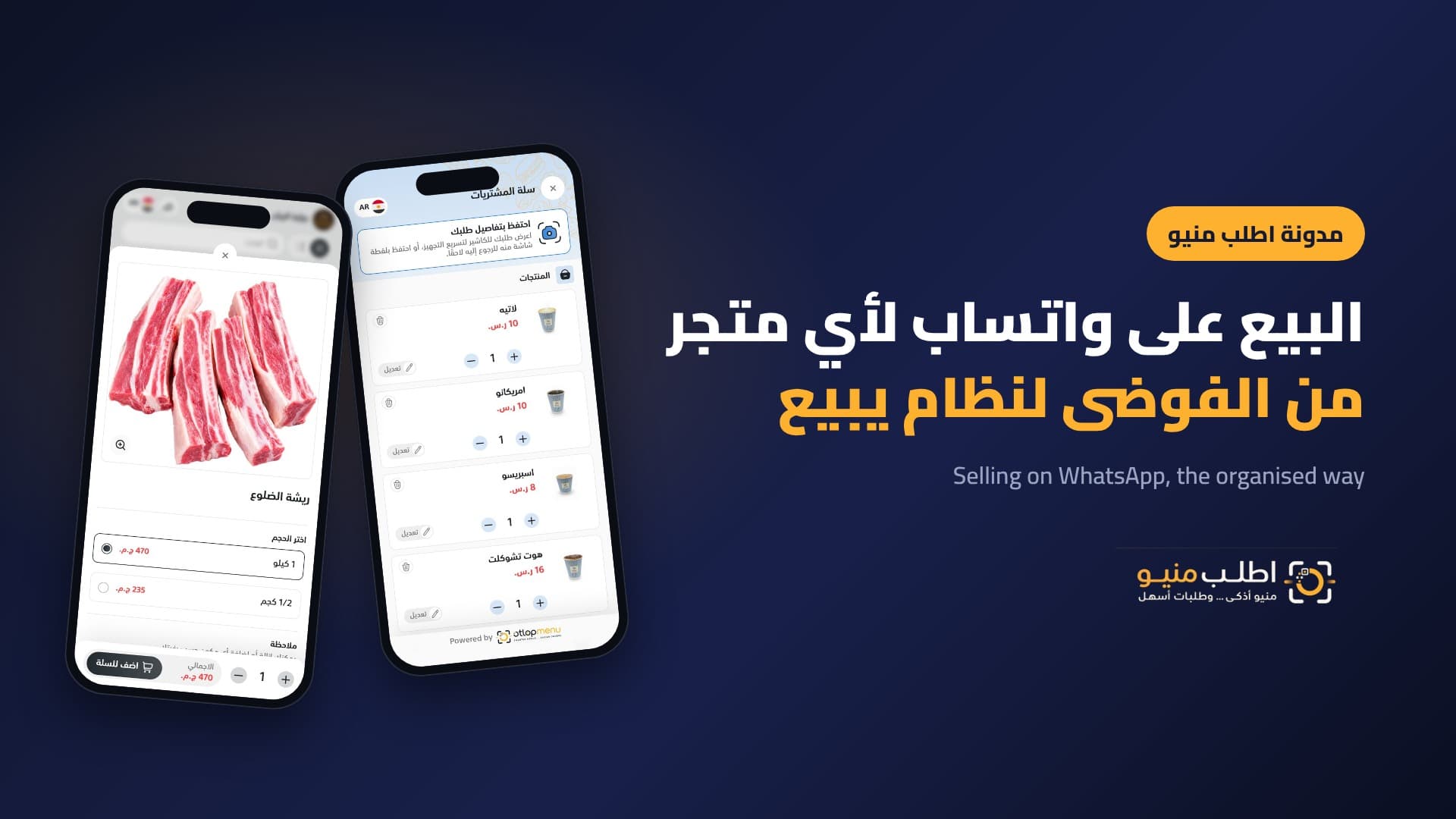
On WhatsApp as a tidy message with products, total and address, or on an order dashboard with clear statuses as volume grows.
Can I connect the store to a domain in my business name?
Yes. You can connect your own domain instead of the subdomain, which matters for your brand and for trust.
Conclusion
A successful online store isn't just a nice page. It's a complete sales system: products presented to convince, a link at every touchpoint, easy ordering and an ongoing relationship with customers. Start with your key products today and build out the rest step by step.
Start your store with Otlop Menu: a menu, catalogue or store in your business name, with organised orders.

See Your Products Differently.
Create a digital experience that reflects your brand and helps customers discover your products with ease.
Contact Us
Book a demo with our team
A short session where we walk you through the platform and help you find the right solutions for your business.
 Complete Platform Walkthrough
- Explore Key Features
- Get Your Questions Answered
 Book a Demo