A QR Code for Your Shop: Turn Every Visitor into an Online Customer

A QR code isn't just a restaurant menu; it's a marketing tool for any shop. Where to place it, what to write next to it and how to measure the orders it brings, with examples for shops, restaurants and hotels.
Share


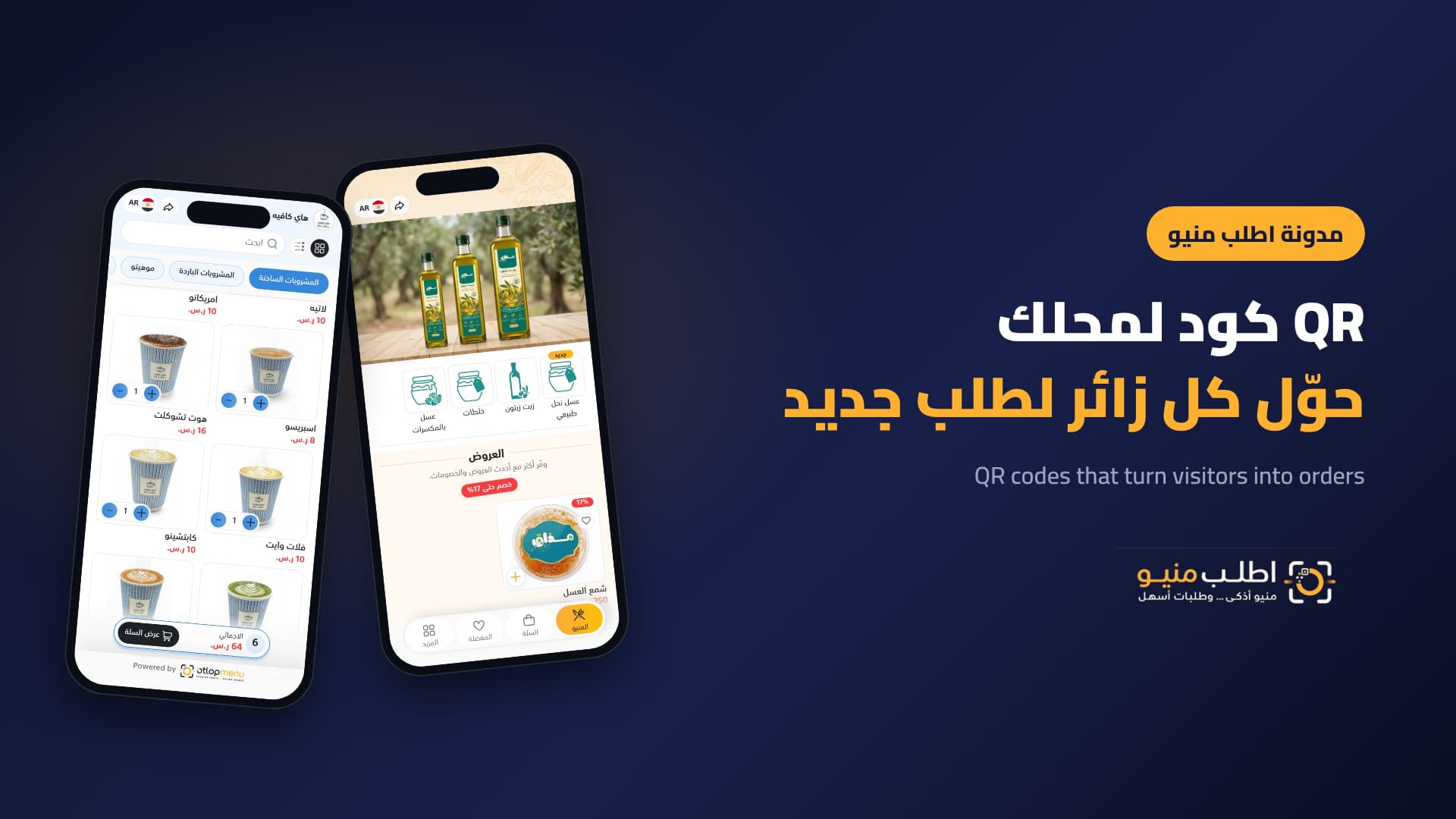
Most shops treat a QR code as a stand-in for the printed menu on a restaurant table. In reality the code is a complete marketing tool: a bridge between the customer standing outside your shop, or who has just received their order, and the online store that sells to them today and tomorrow.
This article explains how to use QR codes in any business to win new orders and repeat old ones, and how to measure the impact.
Why QR codes work as a marketing tool
- They catch customers at the moment of interest: while they look at your window or receive their order, not after they've forgotten your name.
- No app needed: any modern phone camera reads the code and opens your store directly.
- A fixed link with fresh content: print the code once and change products, prices and offers behind it any time.
- Measurable: you know how many visits and orders came from the code, so you know which placements are worth it.
Where to place your code: touchpoints that sell
PlacementGoalSuggested line Shop windowTurn passers-by, even after hours, into orders"Scan and order from your phone. We deliver to your door"CounterLess waiting and fewer questions"See all products and prices here"Delivery bag or boxRepeat orders"Order directly from here next time"Table or roomOrdering from where they are"Order from your seat; it arrives with your table number"Cards and printNew customers"Our whole catalogue in one code"Examples by business type
- Fashion or accessories: a code in the fitting room and on the price tag opens the catalogue with every colour and size, so customers can order the size that isn't on the rack.
- Butcher or supermarket: a code on the bag lets customers order next week from home, by weight and quantity.
- Beauty or perfume shop: a code next to the most-asked-about products shows the description, price and alternatives.
- Hotel or resort: a code in every room and by the pool for room service and requests.
- Restaurant or café: a code per table so orders arrive with the table number, plus one on takeaway boxes for the next order.
The line next to the code matters more than the code
A code without a clear call to action gets ignored. Tell customers what they'll get with a direct verb, and add an incentive if you can: "Scan for a first-order offer" or "Scan for this week's deals". Underneath, add a small line for those who don't know: "Open your phone camera and point it at the code".
Technical details that affect results
- Size: make the code about one tenth of the scanning distance: 3 to 4 cm on a counter, 20 cm or more on a window.
- Contrast: a dark code on a light background, with empty space around it.
- A fixed link: never print a code that opens a PDF or an image; the first price change will force you to reprint.
- Test before printing: scan from several phones and in the real lighting of the space.
How to measure the code's impact
Track three numbers each month: visits from the code, orders from those visits, and customers who ordered again. If visits are high but orders are low, review the page that opens after scanning: photos, prices and ordering steps. If visits are low, move the code or change the line next to it.
Frequently asked questions
Are QR codes useful for businesses other than restaurants?
Yes, for any shop with priced products: fashion, perfume, butchers, supermarkets, gifts and hotels.
Does the code change if I change products or prices?
No, as long as it points to your store's fixed link. Changes happen in the dashboard and the code stays the same.
Can I put my logo inside the code?
Yes, small and in the centre, then test scanning.
Can I tell which code brought an order?
You can use a different code for each table, room or area, so the order arrives with its location.
Conclusion
A successful QR code is a small point of sale: in the right place, with a line that invites action, opening a fast and up-to-date store. Start with your window and delivery bags, measure for a month, then expand.
Get a store and a QR code for your shop with Otlop Menu: one link and one code for your whole business.

See Your Products Differently.
Create a digital experience that reflects your brand and helps customers discover your products with ease.
Contact Us
Book a demo with our team
A short session where we walk you through the platform and help you find the right solutions for your business.
 Complete Platform Walkthrough
- Explore Key Features
- Get Your Questions Answered
 Book a Demo