Selling on WhatsApp for Any Store: From Random Chats to an Ordering System That Sells

WhatsApp can be your strongest sales channel once it's organised: a ready-made order message from your store, WhatsApp Business setup, order labels, follow-up messages and when to move to an order dashboard. For any business.
Share


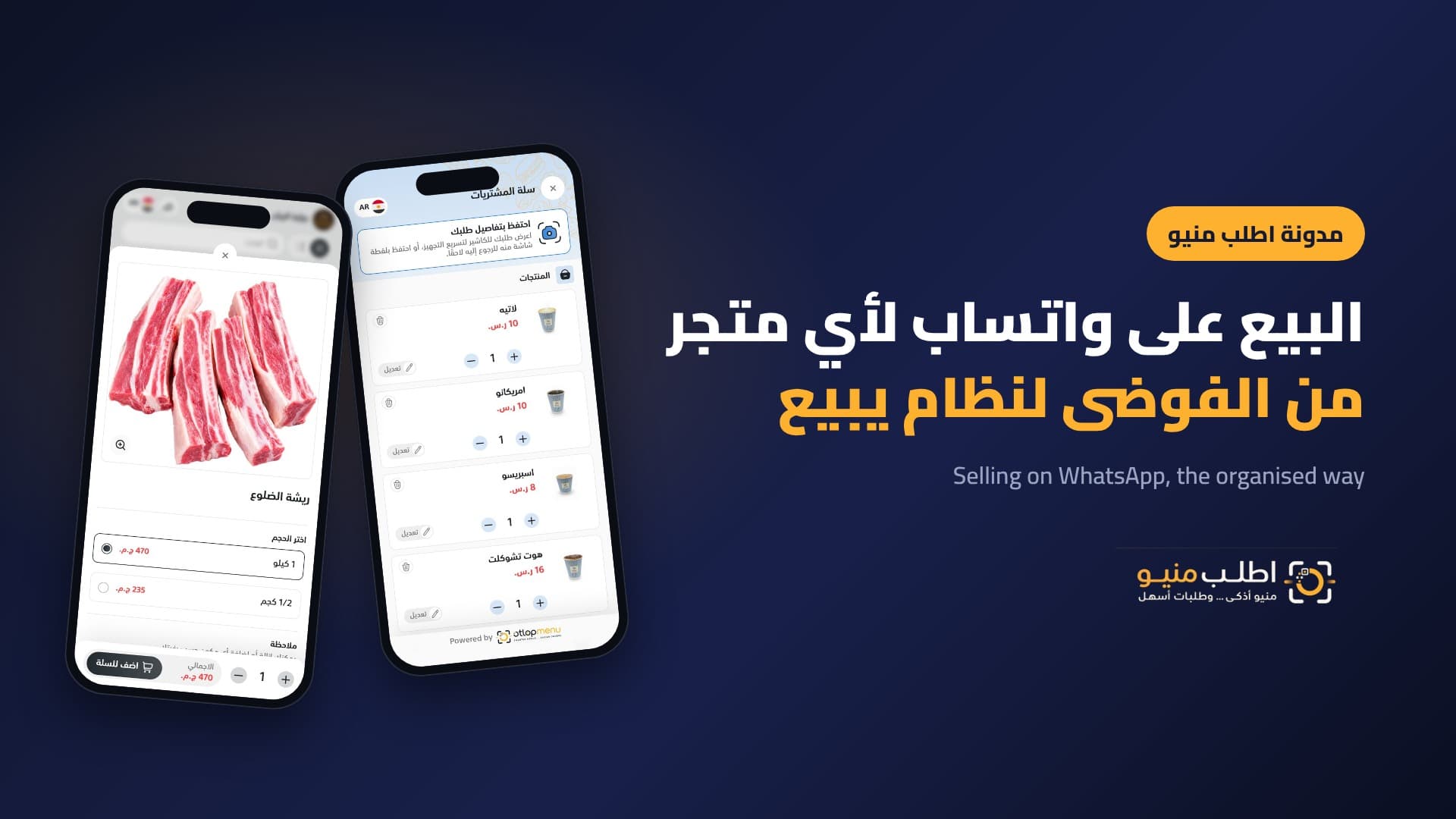
WhatsApp is where your customers already buy, whether you run a restaurant, a fashion store, a butcher or a perfume shop. But it quickly turns into chaos: repeated price questions, old catalogue photos, incomplete orders and chats lost at peak time. The result is sales leaking away without you noticing.
This article turns WhatsApp from an inbox into a sales system: how orders arrive ready, how to organise follow-up, and how to use the same channel to grow repeat orders.
Where do sales leak on WhatsApp?
- Slow replies: a customer waiting for an answer to "how much?" is asking another shop at the same time.
- Incomplete orders: size, colour, weight or address is missing, so another round of questions begins.
- Scattered photos and old prices: customers order something sold out or at a price that has changed.
- No follow-up: nobody goes back to people who asked but didn't order.
- No data: you don't know how many orders came in or who your regulars are.
The golden rule: customers choose from your store, WhatsApp receives the order
Instead of customers typing their order their own way, they open your store link, pick products and options (size, colour, fit, weight, add-ons) and tap the order button. A WhatsApp chat opens with a tidy message that reaches you, containing:
- Products, quantities, options and the price of each.
- The calculated total.
- How the order will be received: delivery or pickup from the branch.
- Name, address and notes.
Your team reads every order in the same format, and the back-and-forth disappears.
Set up WhatsApp Business as a sales storefront
- A dedicated ordering number: separate from personal and supplier numbers.
- A complete business profile: logo, description, opening hours, address and your store link.
- A greeting message with your store link: every new customer starts from the products instead of asking.
- A smart away message: outside hours it says when you're back, with the link so customers can prepare their order.
- Quick replies: for confirmation, delivery time, payment methods and delivery fees by area.
Organise orders with labels
Use WhatsApp Business labels to track each order: new order, confirmed, preparing, out for delivery, delivered. Add two marketing labels too: "asked but didn't order" and "regular customer". The first is a follow-up opportunity; the second is the audience for your exclusive offers.
Messages that sell after the order
- Confirmation: within minutes, with the total and expected delivery time. It cuts "where's my order?" calls.
- After delivery: a short satisfaction question with your store link for the next order.
- Follow-up: for those who asked but didn't order, one message with a relevant offer, without pressure.
- Status: today's product or this week's offer with a direct link.
Examples by business
- Fashion store: customers pick model, colour and size from the catalogue, and the order arrives complete without ten messages.
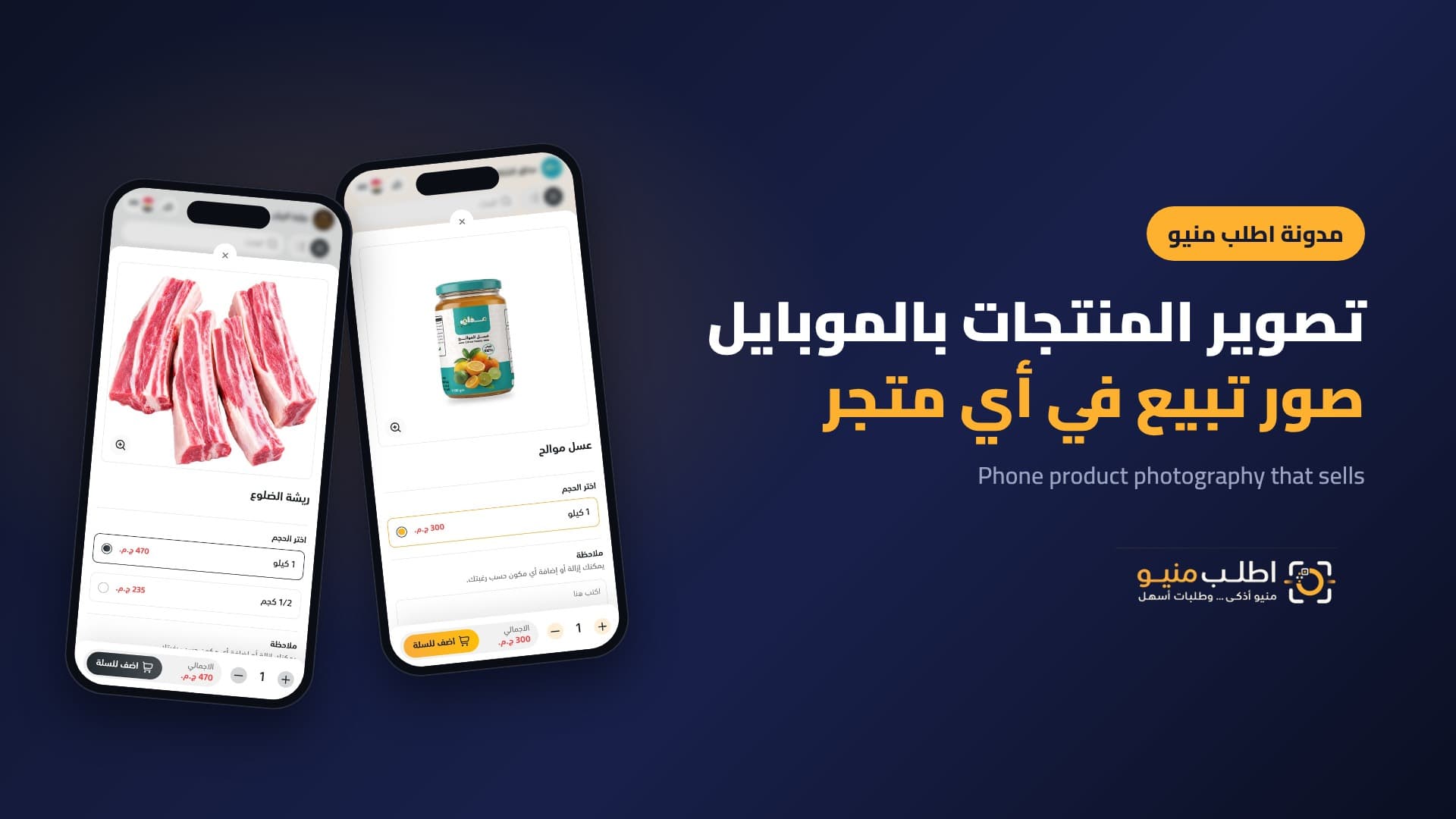
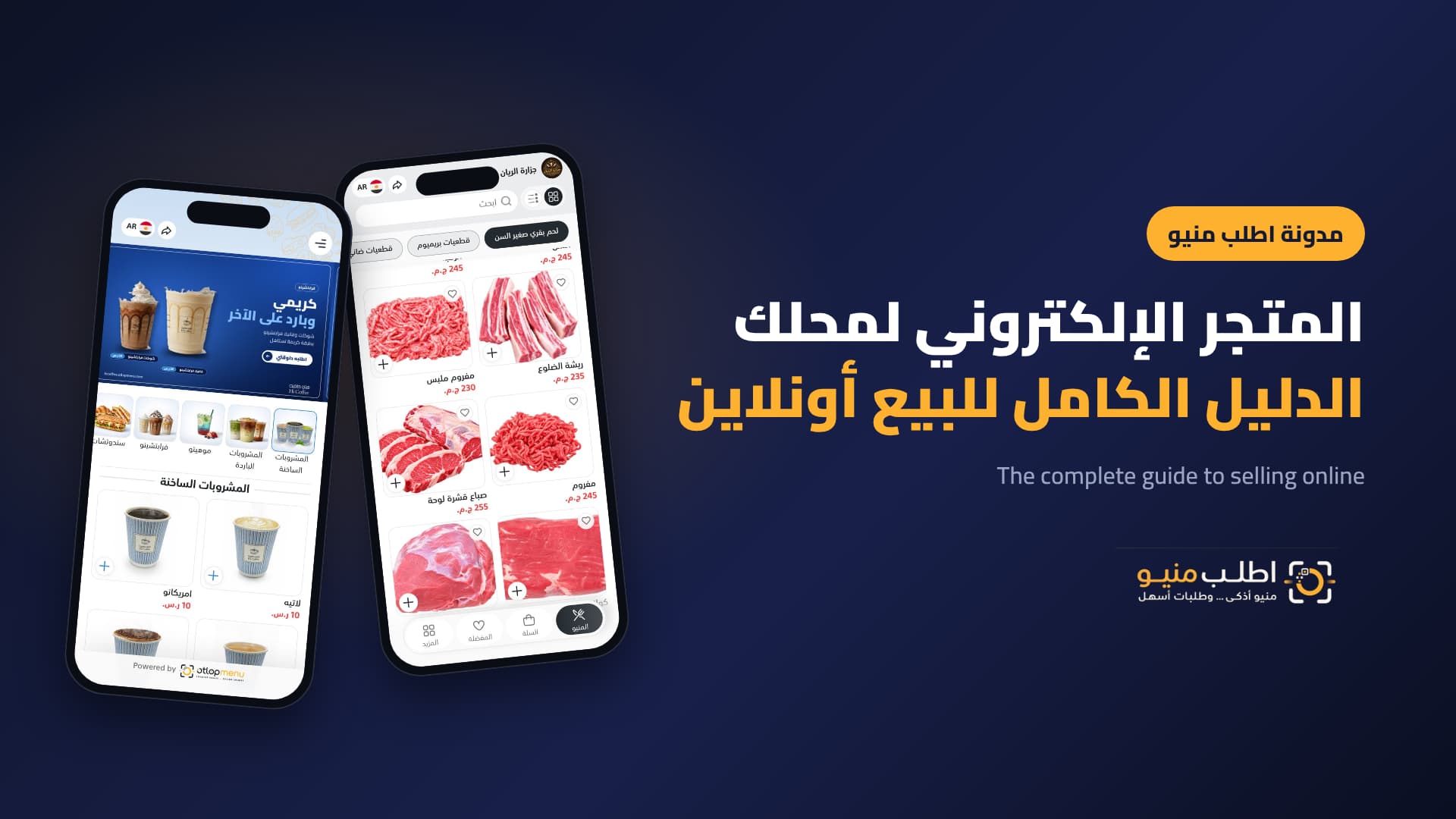
- Butcher: weight and cut inside the order, like the Al Rayyan Butchery store.
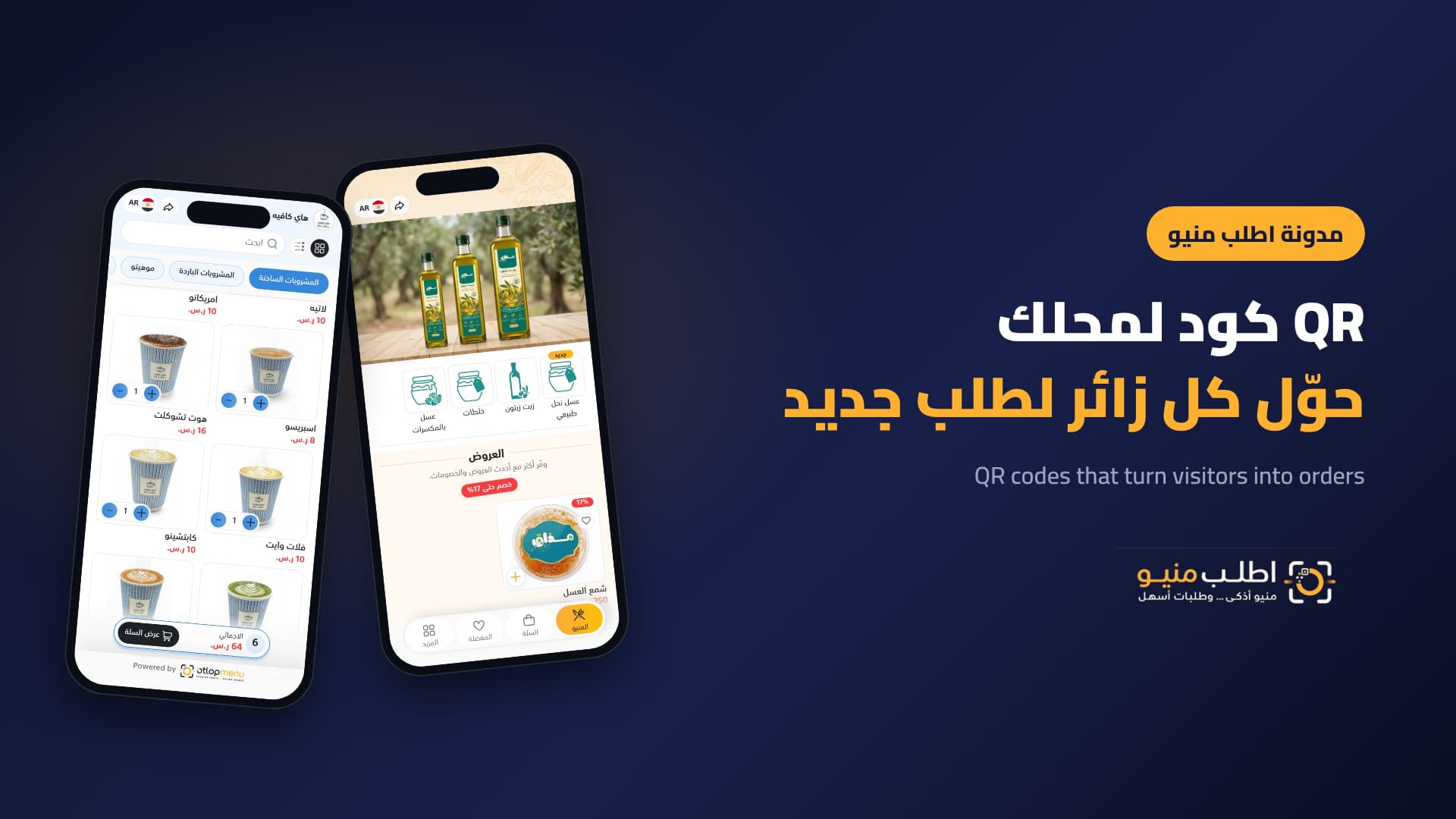
- Natural products or perfume: size, price and discount are clear before customers get in touch.
- Restaurant or café: items, add-ons and notes in one message.
When should you move from WhatsApp to an order dashboard?
WhatsApp is excellent to start with. Consider an order dashboard when peak-time orders exceed what one person can handle, when you have more than one branch or staff member, or when you need coupons and sales reports. With Otlop Menu you move on the same store and the same link, without customers noticing any change.
Frequently asked questions
Do I need the WhatsApp Business API?
Not to start. The regular app is enough to receive organised orders. The API helps at high volume or for advanced automation.
Does selling on WhatsApp work for businesses other than restaurants?
Yes, for any business selling priced products: fashion, accessories, perfume, butchers, supermarkets and gifts.
Can orders go to each branch's number?
Yes. The customer chooses the branch and the order goes to its number.
Can I identify my regular customers?
Yes, from order data in the dashboard and from your WhatsApp Business labels.
Conclusion
Organised selling on WhatsApp starts before WhatsApp: a store customers choose from, a ready order message, then confirmation, follow-up and offers for regulars. You keep the channel your customers love and turn it into your strongest sales channel.
Start selling on WhatsApp the organised way with Otlop Menu: orders arrive ready, for any business.

See Your Products Differently.
Create a digital experience that reflects your brand and helps customers discover your products with ease.
Contact Us
Book a demo with our team
A short session where we walk you through the platform and help you find the right solutions for your business.
 Complete Platform Walkthrough
- Explore Key Features
- Get Your Questions Answered
 Book a Demo